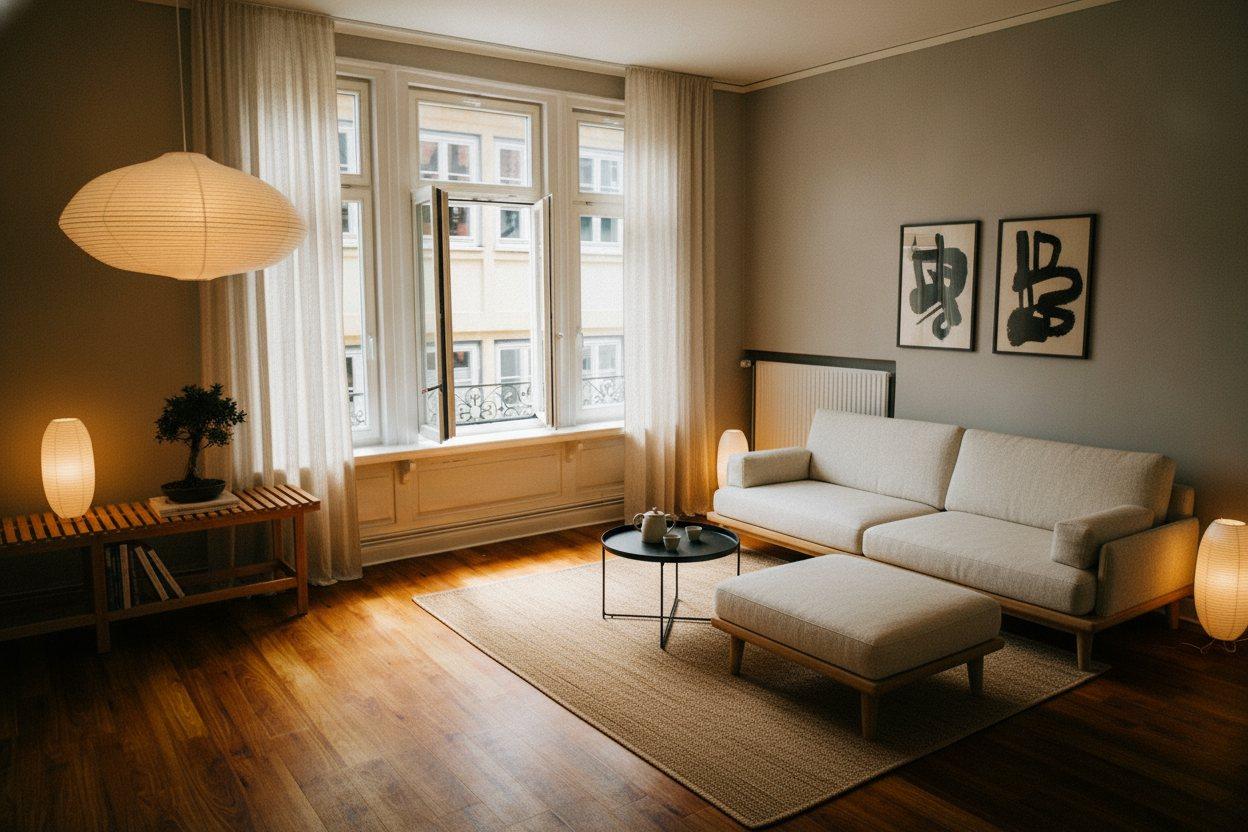
Your room, redrawn.
Preview a new look for your room before you redecorate. Upload a photo in the Decorly app, choose a style, and create an AI redesign.
iPhone and Android · Free download · Paid subscription required to create designs. View plans
01 — The same room
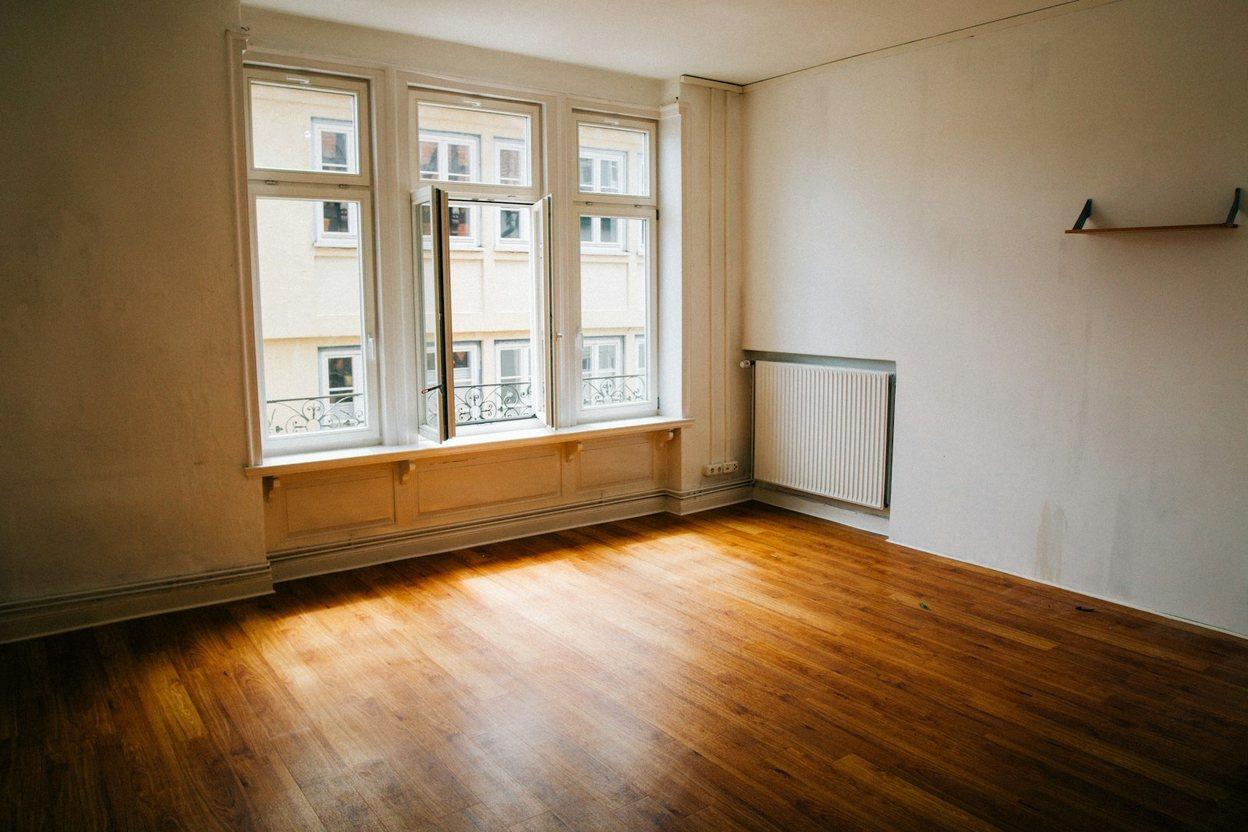
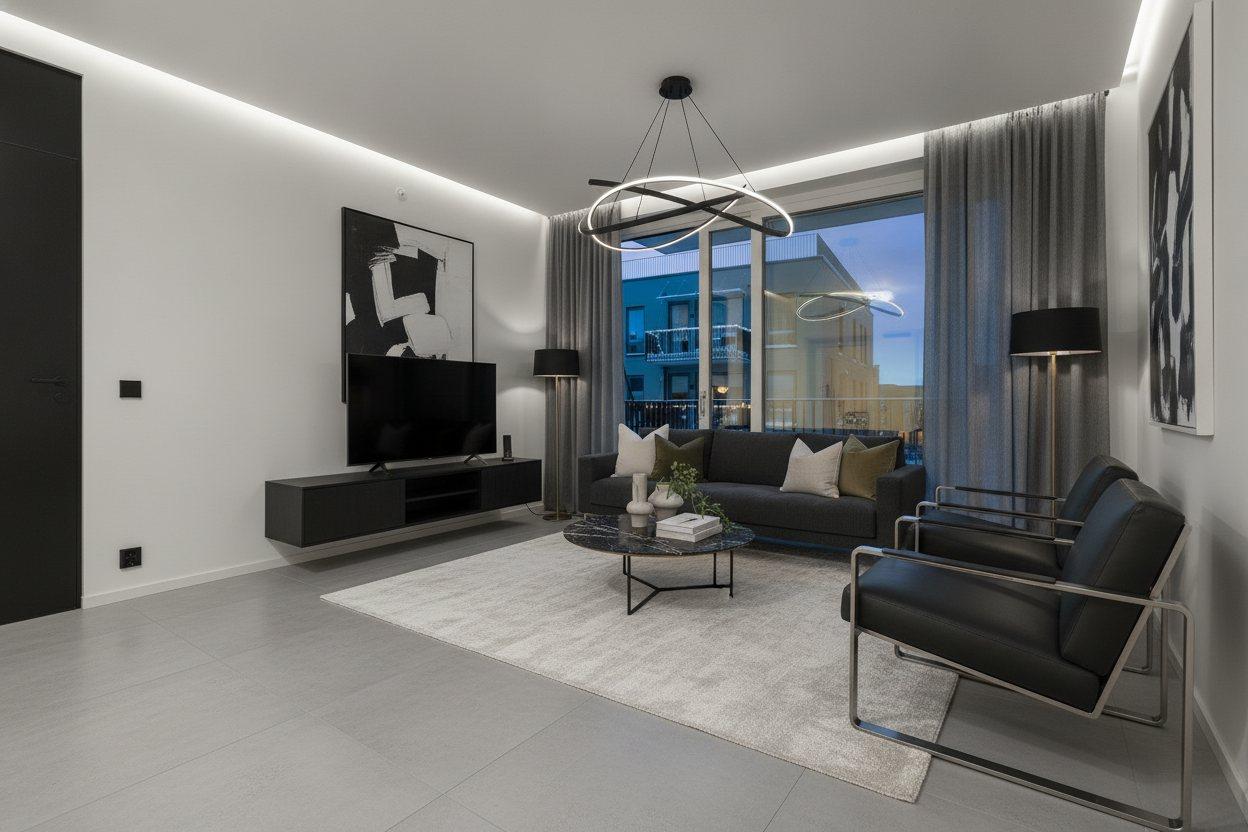
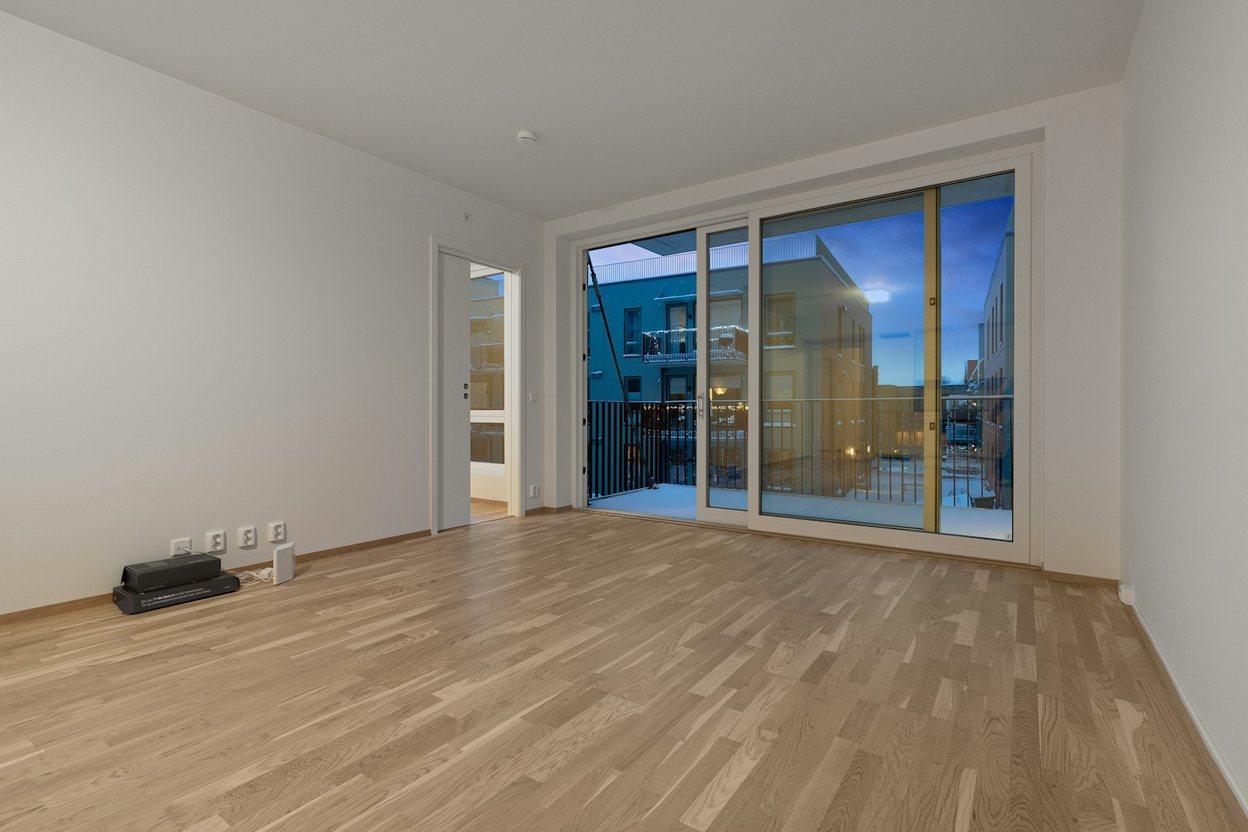
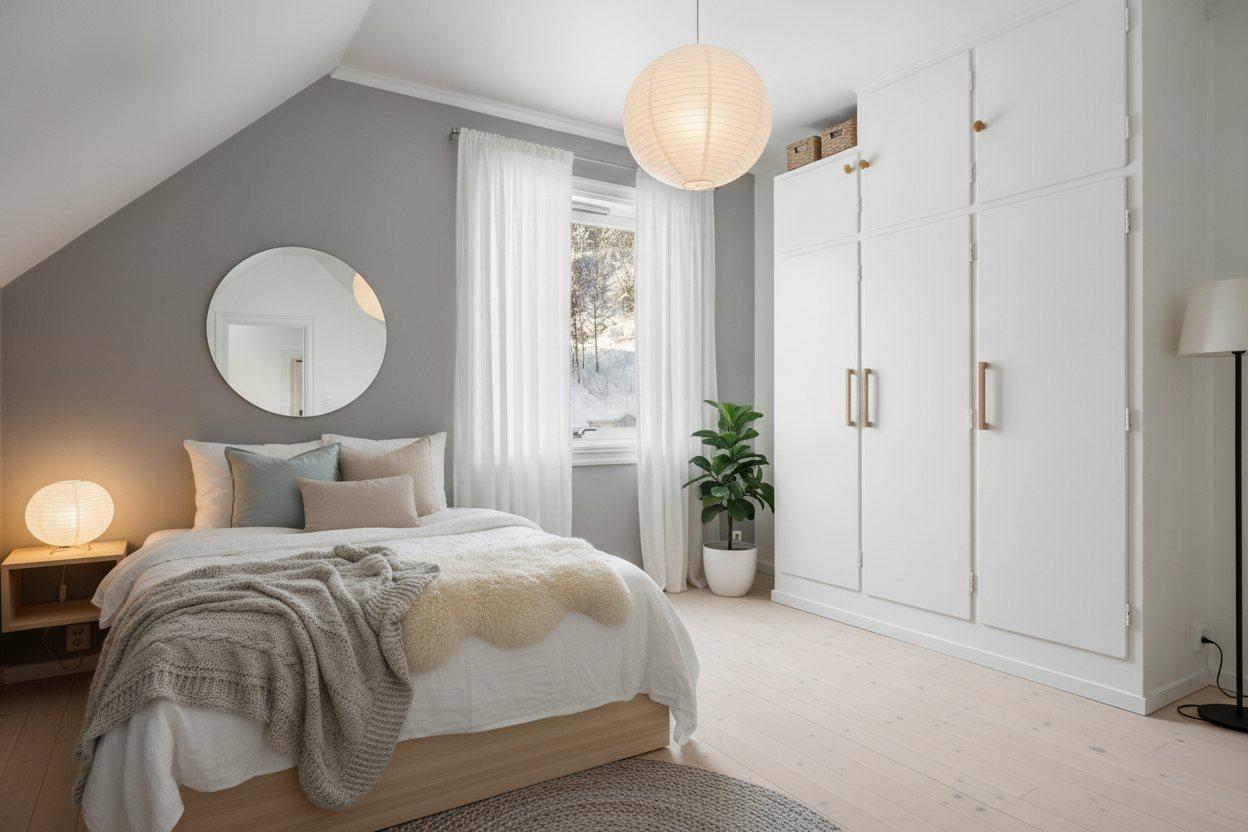
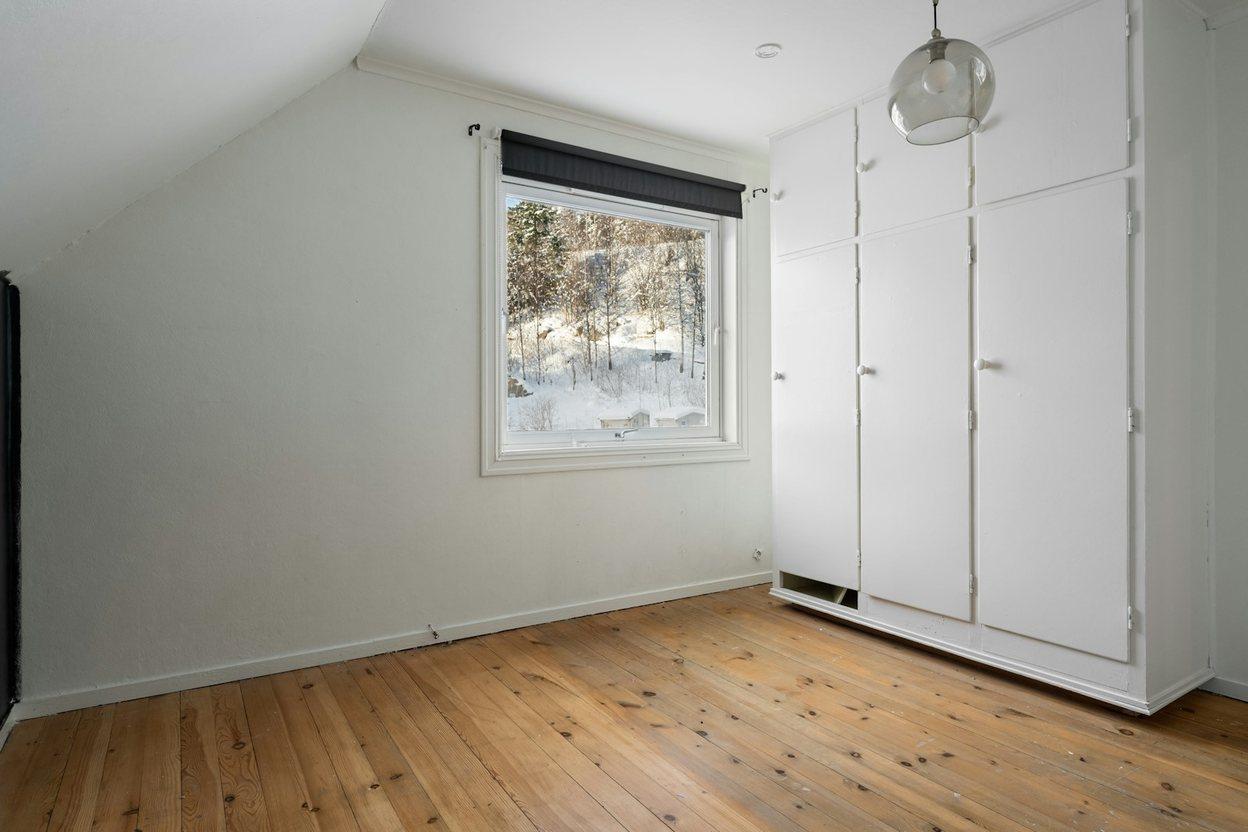
Compare an original room photo with its Decorly redesign. AI aims to preserve the layout; check details before making changes to your home.
Most people never see what their home could be.
They live with the room they inherited, because the alternative costs a designer, a deposit and six weeks of imagining. Decorly puts that first drawing in your hands in the time it takes to make tea — for your room, your light, your windows.
02 — Six example styles
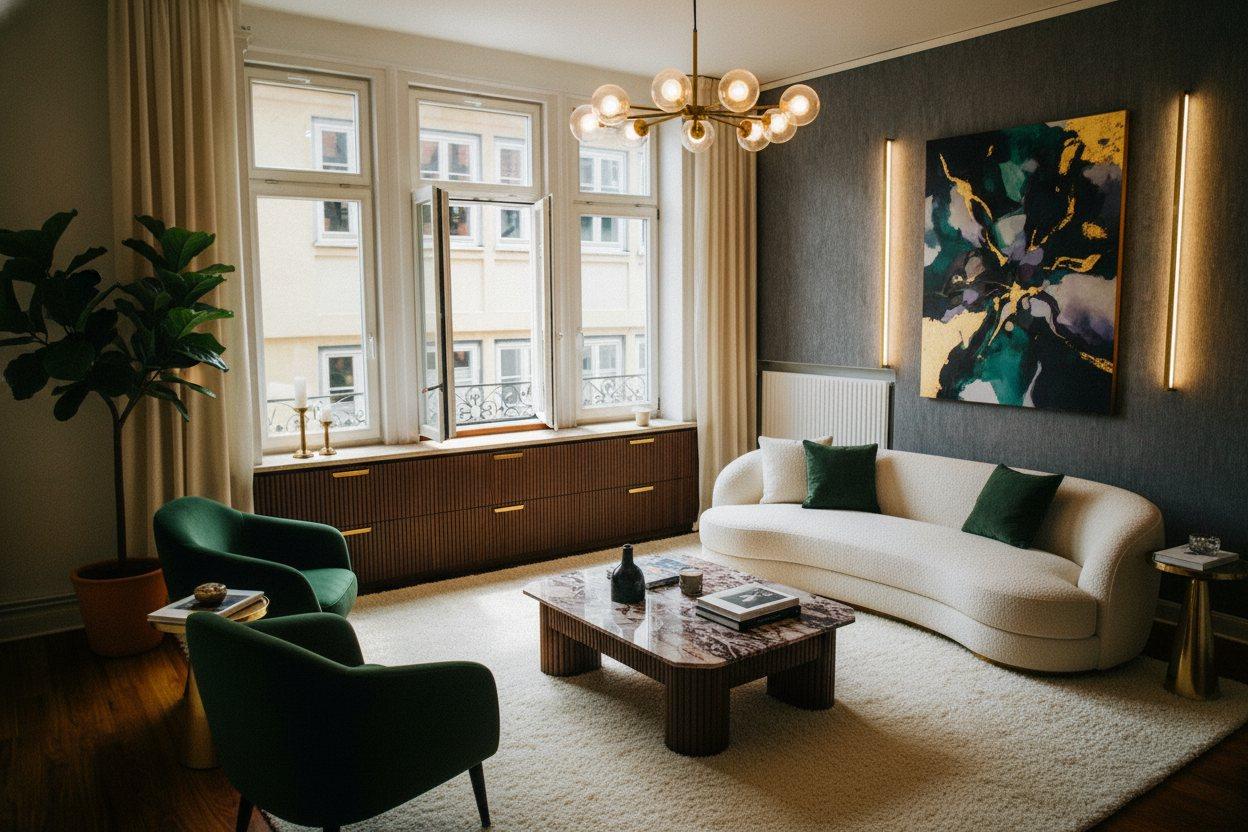
One room. Six ways to live in it.
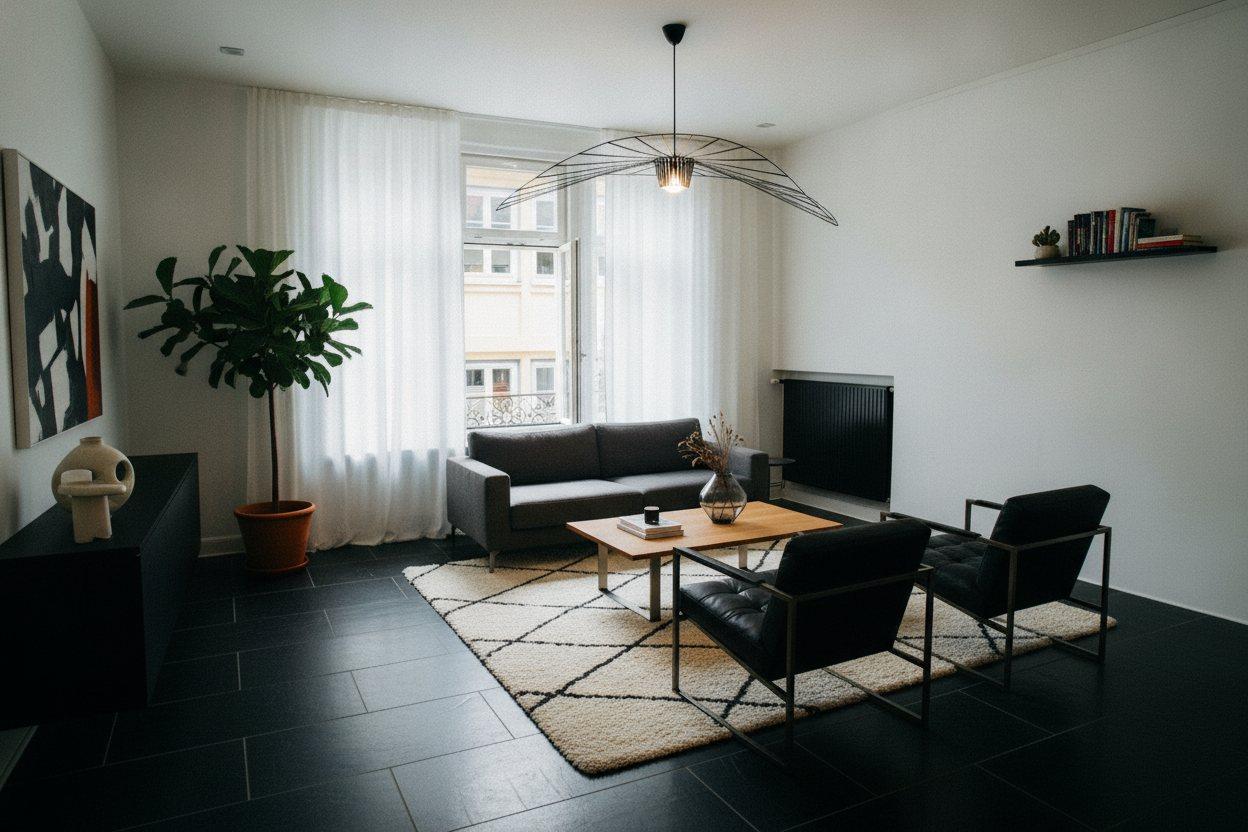
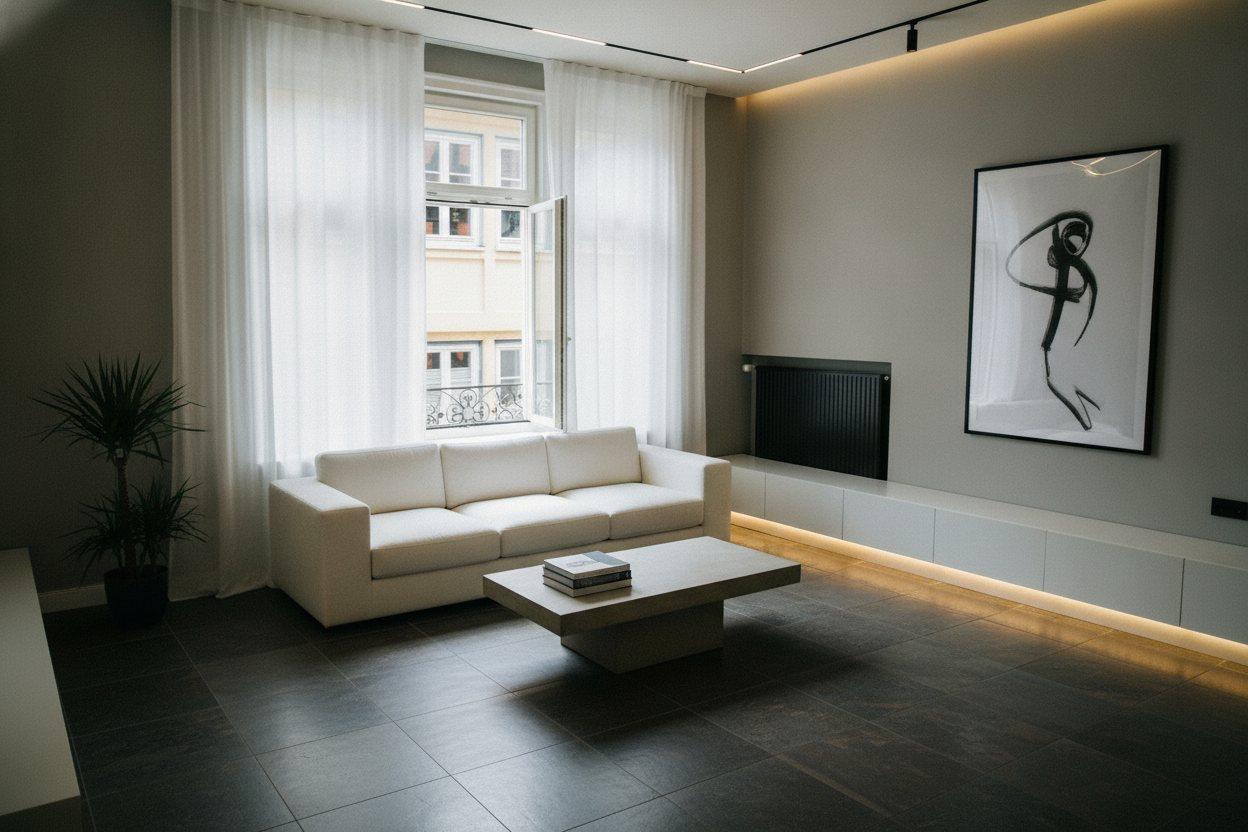
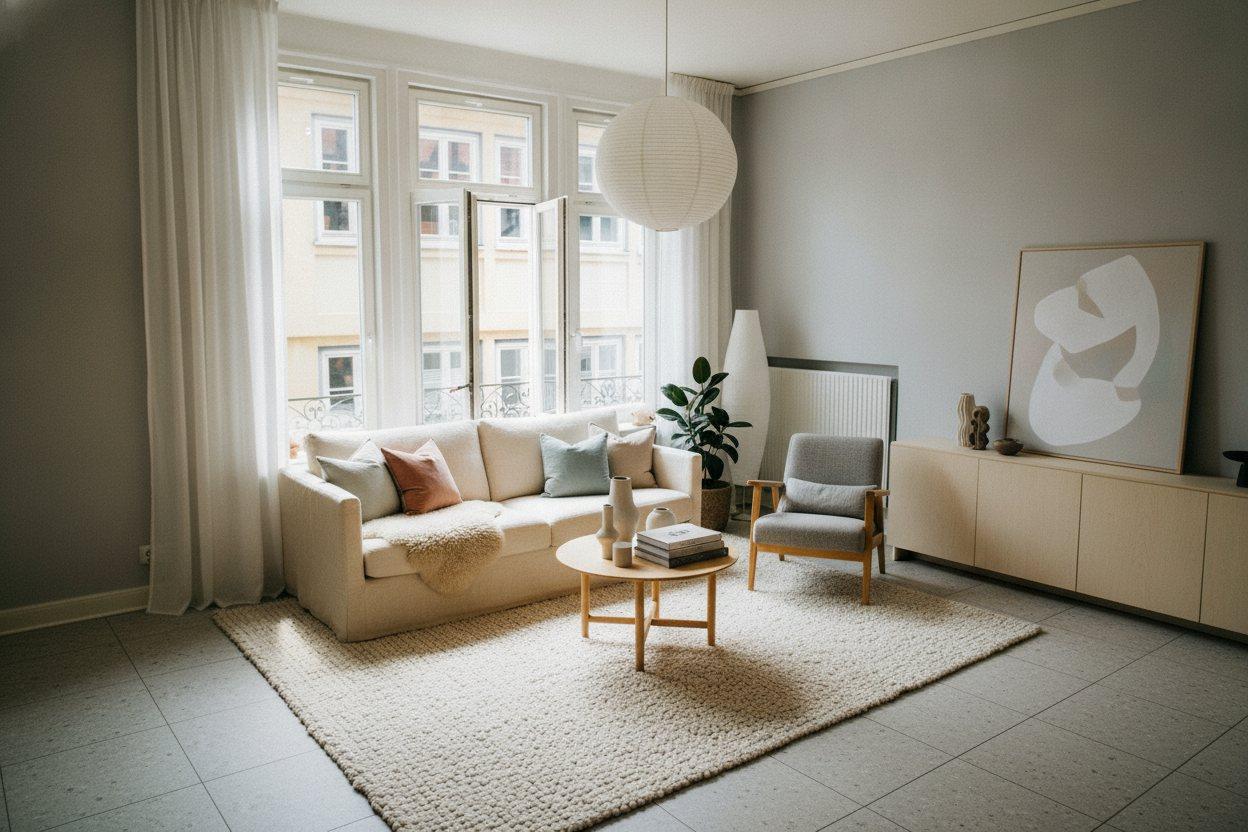
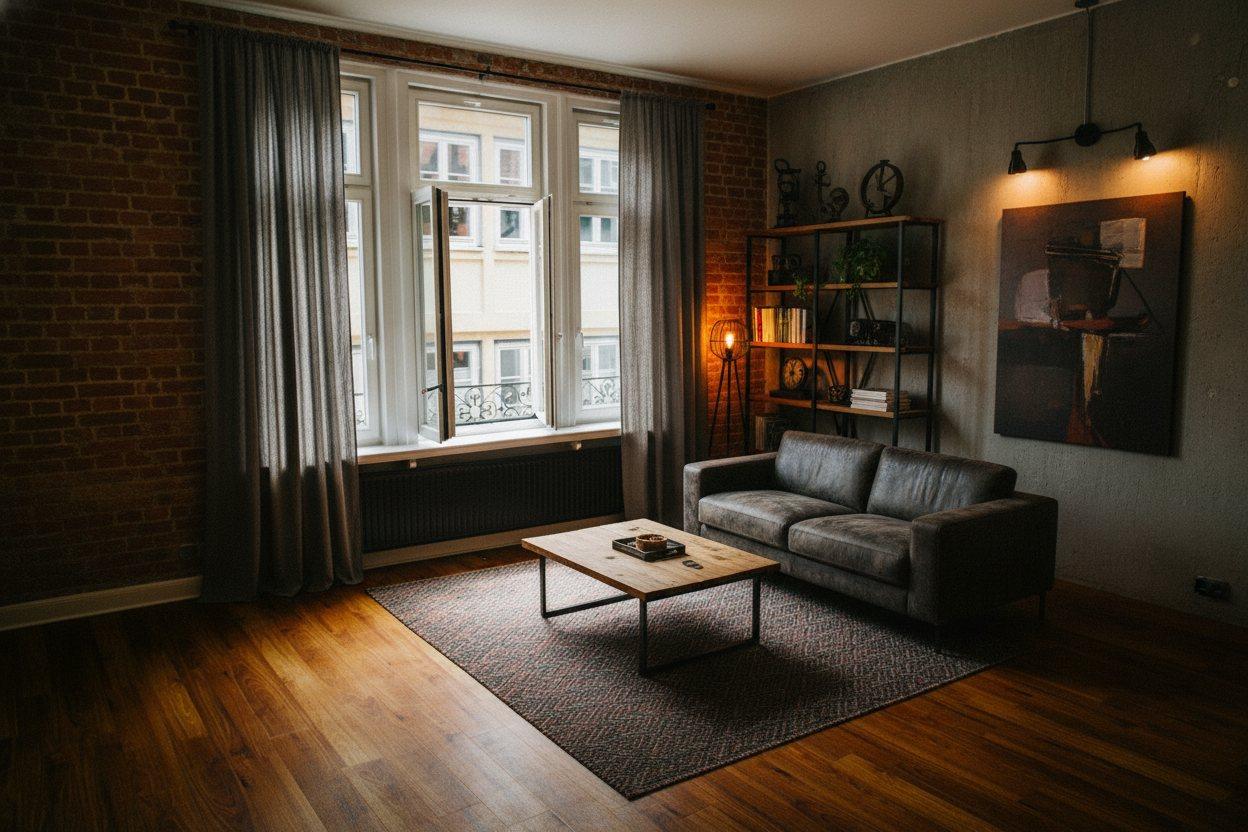
Japandi
White oak, cedar slats, slubby linen, handmade paper. Warm 2700 K, paper-diffused and indirect.
03 — How it works
Get the app
Download Decorly on iPhone or Android, sign in, and choose a paid plan to create designs.
Upload your room photo
Use a clear photo taken in daylight. Choose your room type, design style, colour palette and budget.
Create and save
Generate your redesign, compare it with your photo, and save it to your phone. Generation time varies.
Choose a colour palette and budget to guide your room redesign.
04 — Every space
Inside and out, the whole home.
Plans for your next redesign
Download and browse for free. Creating designs requires a paid subscription. Monthly and annual plans include 100 designs per month. A weekly plan, where available, includes 25 designs per week. Your app store shows the available plans, price, renewal terms and any eligible offer before you pay.
Cancel future renewals in the store where you subscribed. Read the refund policy.
05 — Questions
What is Decorly?
A design studio for your home, on your phone. Photograph a room, choose a direction, and see that exact space redesigned — furniture, finishes, colour and light — in about half a minute.
Will it keep my room's layout?
Decorly is designed to preserve your room's walls, windows, doors and camera angle while exploring a new look. AI can make mistakes, so compare the result with your original photo. Designs are visual inspiration, not measured construction plans.
What can I redesign?
Living rooms, bedrooms, kitchens, bathrooms, home offices, house exteriors and gardens — in seven directions: Japandi, Modern, Minimalist, Luxury, Scandinavian, Industrial and Contemporary.
How much does it cost?
Decorly is free to download and browse. Creating designs needs a paid subscription. Monthly and annual plans include 100 designs per month. Weekly plans, where available, include 25 designs per week. The App Store or Google Play shows the available plans, your local price and renewal terms before you subscribe.
Is there a free plan?
No. You can download the app and look around for free, but creating designs needs Premium.
Is it on iPhone and Android?
Yes. Decorly is on the App Store and on Google Play, with monthly and yearly Premium on both. The store shows your exact price before you subscribe.
Where are my designs kept?
In current versions, generated designs are saved on your phone and can be exported to your photo gallery. Your room photo is uploaded for AI processing, so creating a design requires an internet connection. Account and subscription records are maintained on our servers. See our Privacy Policy for more details.
How do I cancel?
Subscriptions are billed by Apple or Google. Cancel anytime in your App Store or Google Play subscription settings; Premium stays active until the end of the period you paid for.
Your next room is one photo away.
iPhone and Android · Paid subscription required for designs